
More flexibility needs clearer rules
More payment methods require explicit rules for default, expired, removable, and backup states.
Zipcar
I led the design of Zipcar’s multi-card wallet across the app and Member Web. A single failed card could interrupt service. We introduced payment choice and backup payments, with clear rules for which card gets charged and what happens when it fails.
Reported product outcomes. Apple Pay and Google Pay usage grew 13× in five months. The source does not specify the period covered by the $3.5M+ transaction total.
I defined how default, alternative, expired, and removable cards behaved across app and web. When Edit was removed from scope, a default card had no remaining actions. I removed the empty menu instead of leaving an affordance that went nowhere, and worked through the matching app behavior with engineering.
Wallet brought payment management into the app. You could see your cards, identify the default, and find only the actions available for each card’s state.
Settings
Wallet
Card controls
We considered keeping payment tools on the web Overview page. A dedicated Wallet gave the growing set of cards and backup controls a clearer home, with the same rules as the app.
Where payment used to live
Where it lives now
After you add a card, I placed an explicit choice to turn on backup payments. The promise is plain: if a payment fails, Zipcar can retry another payment method on your account. You can choose Not Now instead. This connects recovery to consent, rather than making fallback charging a surprise.
Wallet
Add new card
Prompt backup enablement
I reviewed familiar payment selectors in other apps and proposed a vertically stacked list of saved cards and digital wallets. It made the default visible and left room to add a card during checkout. This was pattern research, not a moderated usability study.
Tap to change card
Choose
New card in checkout
We dropped “Save for future bookings” because it competed with choosing a default card. Fewer controls made it easier to understand which payment method would be used next.
Account owner
Driver only account
Driver only account
App, web, and email warnings told account owners when a card was expiring and how to replace it. Recovery needed to work before a failed booking as well as afterward.
Warning
Expiration notice
Only account owners manage the wallet, but an expired card can block every driver’s bookings and extensions. I separated the owner’s payment action from the driver’s explanation and next step.
Account owner
Driver only account
The next design work extended payment selection to trip changes and extensions. Formal moderated research was not a priority in the original delivery plan. I would build it in earlier to test whether the payment hierarchy matched members’ expectations.
Change card while extending
While modifying upcoming trip
When agents book on a member’s behalf, they also need to identify the default and select an eligible card. The support-tool designs carried the same payment rules into that workflow.
Booking a trip on behalf of a member
Selecting another card on file
More payment methods require explicit rules for default, expired, removable, and backup states.
What happens after a failed charge can matter as much as successful checkout.
Familiar payment selectors let us focus attention on the rules unique to Zipcar.
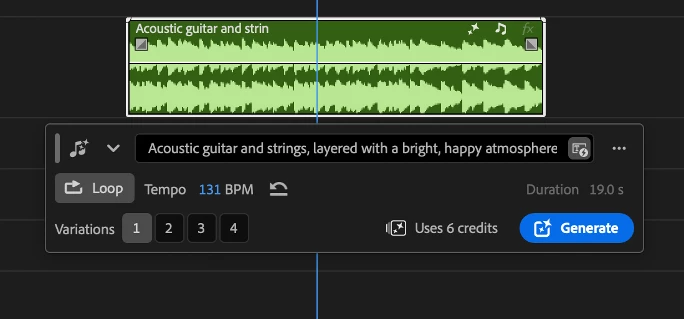
Adobe · Generative AI
Create music that fits your scene with clear, editable generation controls.
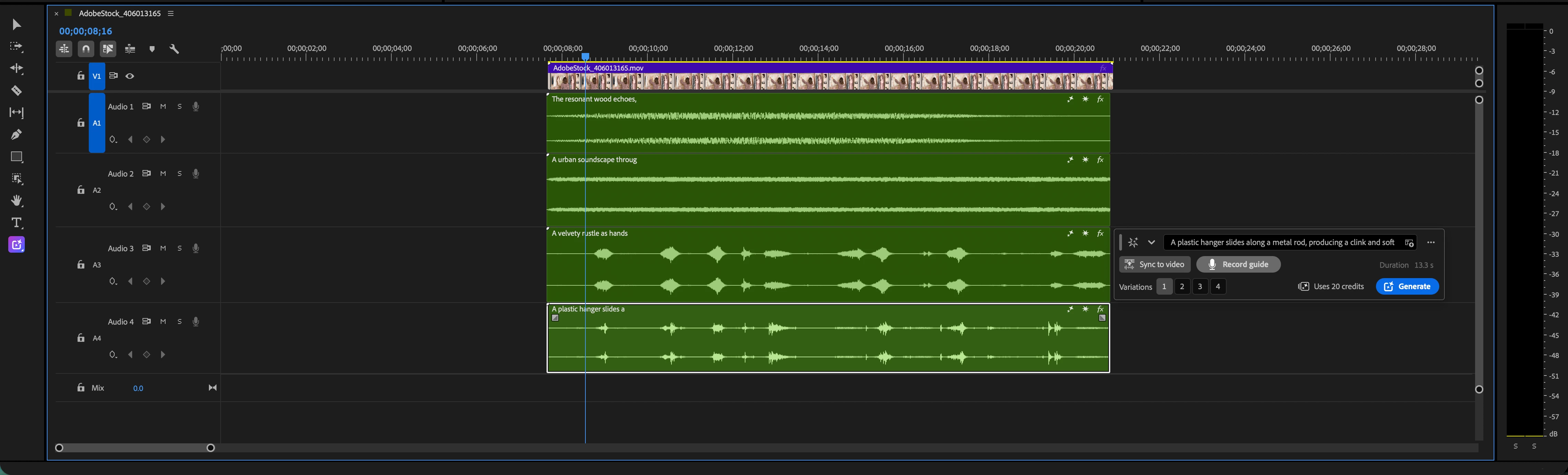
Adobe · Generative AI
Turn visible action into editable layers of ambience and sound effects.
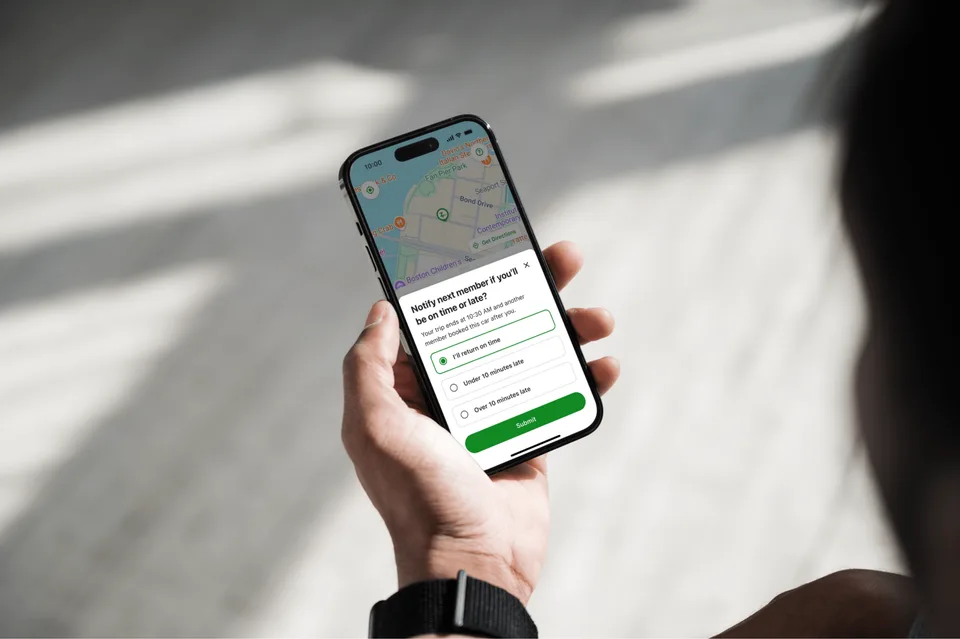
Zipcar
Help members report delays and recover when their car is late.

Zipcar
Introduce Zipcar’s first tiers for occasional and frequent drivers.
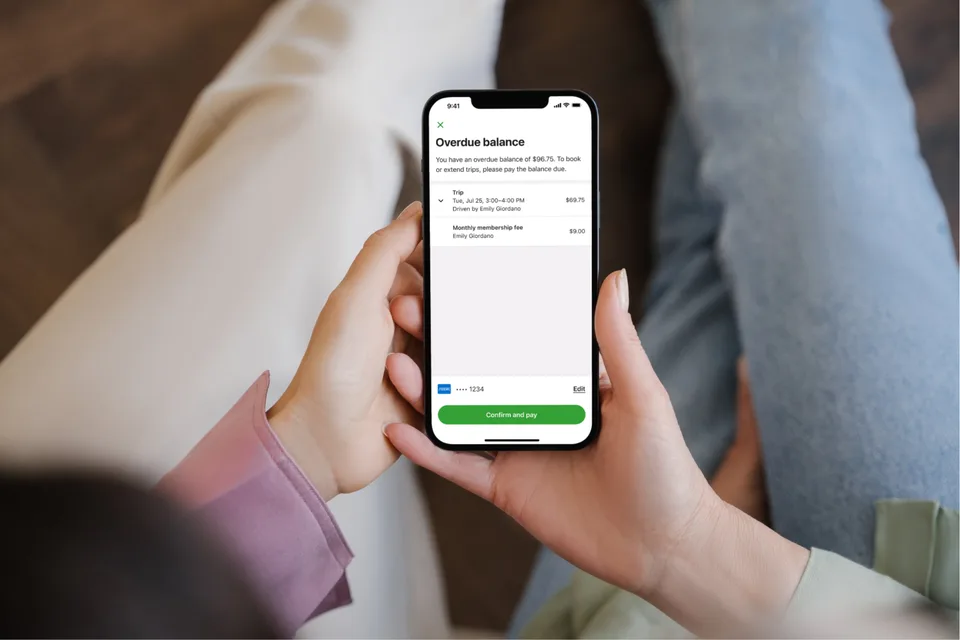
Zipcar
Help members resolve an overdue balance directly in the app.
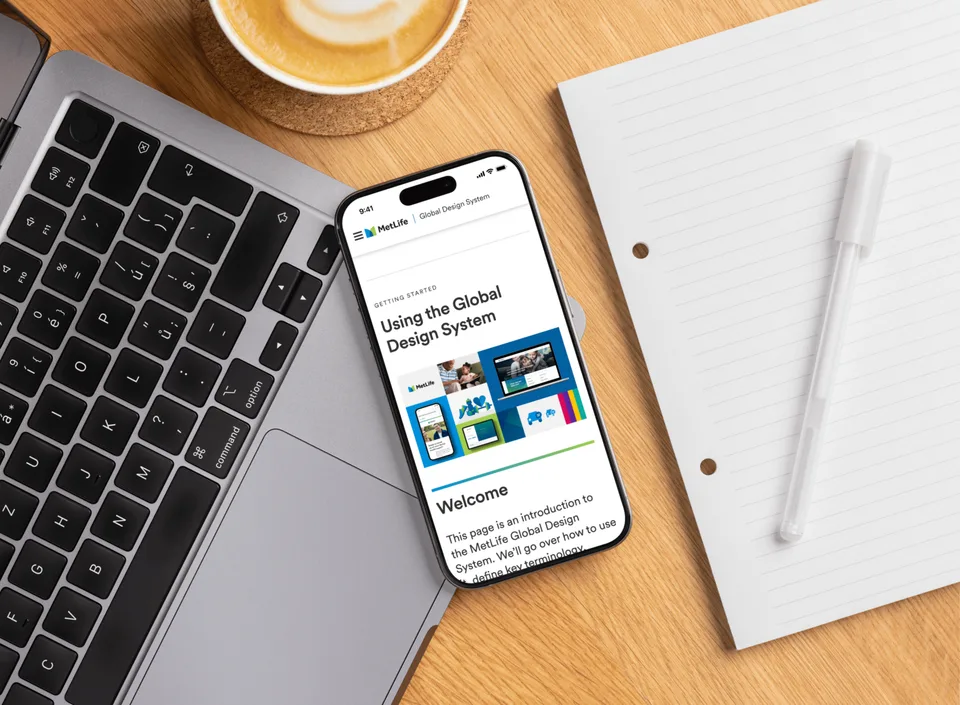
MetLife
Build a reusable design foundation for teams across more than 50 markets.
Zipcar
I led the design of Zipcar’s multi-card wallet across the app and Member Web. A single failed card could interrupt service. We introduced payment choice and backup payments, with clear rules for which card gets charged and what happens when it fails.
Reported product outcomes. Apple Pay and Google Pay usage grew 13× in five months. The source does not specify the period covered by the $3.5M+ transaction total.
I defined how default, alternative, expired, and removable cards behaved across app and web. When Edit was removed from scope, a default card had no remaining actions. I removed the empty menu instead of leaving an affordance that went nowhere, and worked through the matching app behavior with engineering.
Wallet brought payment management into the app. You could see your cards, identify the default, and find only the actions available for each card’s state.
Settings
Wallet
Card controls
We considered keeping payment tools on the web Overview page. A dedicated Wallet gave the growing set of cards and backup controls a clearer home, with the same rules as the app.
Where payment used to live
Where it lives now
After you add a card, I placed an explicit choice to turn on backup payments. The promise is plain: if a payment fails, Zipcar can retry another payment method on your account. You can choose Not Now instead. This connects recovery to consent, rather than making fallback charging a surprise.
Wallet
Add new card
Prompt backup enablement
I reviewed familiar payment selectors in other apps and proposed a vertically stacked list of saved cards and digital wallets. It made the default visible and left room to add a card during checkout. This was pattern research, not a moderated usability study.
Tap to change card
Choose
New card in checkout
We dropped “Save for future bookings” because it competed with choosing a default card. Fewer controls made it easier to understand which payment method would be used next.
Account owner
Driver only account
Driver only account
App, web, and email warnings told account owners when a card was expiring and how to replace it. Recovery needed to work before a failed booking as well as afterward.
Warning
Expiration notice
Only account owners manage the wallet, but an expired card can block every driver’s bookings and extensions. I separated the owner’s payment action from the driver’s explanation and next step.
Account owner
Driver only account
The next design work extended payment selection to trip changes and extensions. Formal moderated research was not a priority in the original delivery plan. I would build it in earlier to test whether the payment hierarchy matched members’ expectations.
Change card while extending
While modifying upcoming trip
When agents book on a member’s behalf, they also need to identify the default and select an eligible card. The support-tool designs carried the same payment rules into that workflow.
Booking a trip on behalf of a member
Selecting another card on file
More payment methods require explicit rules for default, expired, removable, and backup states.
What happens after a failed charge can matter as much as successful checkout.
Familiar payment selectors let us focus attention on the rules unique to Zipcar.
Adobe · Generative AI
Create music that fits your scene with clear, editable generation controls.
Adobe · Generative AI
Turn visible action into editable layers of ambience and sound effects.
Zipcar
Help members report delays and recover when their car is late.
Zipcar
Introduce Zipcar’s first tiers for occasional and frequent drivers.
Zipcar
Help members resolve an overdue balance directly in the app.
MetLife
Build a reusable design foundation for teams across more than 50 markets.
Zipcar
I led the design of Zipcar’s multi-card wallet across the app and Member Web. A single failed card could interrupt service. We introduced payment choice and backup payments, with clear rules for which card gets charged and what happens when it fails.
Reported product outcomes. Apple Pay and Google Pay usage grew 13× in five months. The source does not specify the period covered by the $3.5M+ transaction total.
I defined how default, alternative, expired, and removable cards behaved across app and web. When Edit was removed from scope, a default card had no remaining actions. I removed the empty menu instead of leaving an affordance that went nowhere, and worked through the matching app behavior with engineering.
Wallet brought payment management into the app. You could see your cards, identify the default, and find only the actions available for each card’s state.
Settings
Wallet
Card controls
We considered keeping payment tools on the web Overview page. A dedicated Wallet gave the growing set of cards and backup controls a clearer home, with the same rules as the app.
Where payment used to live
Where it lives now
After you add a card, I placed an explicit choice to turn on backup payments. The promise is plain: if a payment fails, Zipcar can retry another payment method on your account. You can choose Not Now instead. This connects recovery to consent, rather than making fallback charging a surprise.
Wallet
Add new card
Prompt backup enablement
I reviewed familiar payment selectors in other apps and proposed a vertically stacked list of saved cards and digital wallets. It made the default visible and left room to add a card during checkout. This was pattern research, not a moderated usability study.
Tap to change card
Choose
New card in checkout
We dropped “Save for future bookings” because it competed with choosing a default card. Fewer controls made it easier to understand which payment method would be used next.
Account owner
Driver only account
Driver only account
App, web, and email warnings told account owners when a card was expiring and how to replace it. Recovery needed to work before a failed booking as well as afterward.
Warning
Expiration notice
Only account owners manage the wallet, but an expired card can block every driver’s bookings and extensions. I separated the owner’s payment action from the driver’s explanation and next step.
Account owner
Driver only account
The next design work extended payment selection to trip changes and extensions. Formal moderated research was not a priority in the original delivery plan. I would build it in earlier to test whether the payment hierarchy matched members’ expectations.
Change card while extending
While modifying upcoming trip
When agents book on a member’s behalf, they also need to identify the default and select an eligible card. The support-tool designs carried the same payment rules into that workflow.
Booking a trip on behalf of a member
Selecting another card on file
How to collaborate and problem solve with Product teams
Proper Engineering handoff and if-then thinking for happy and unhappy paths
The importance of proper documentation in Figma
Adobe · Generative AI
Create music that fits your scene with clear, editable generation controls.
Adobe · Generative AI
Turn visible action into editable layers of ambience and sound effects.
Zipcar
Help members report delays and recover when their car is late.
Zipcar
Introduce Zipcar’s first tiers for occasional and frequent drivers.
Zipcar
Help members resolve an overdue balance directly in the app.
MetLife
Build a reusable design foundation for teams across more than 50 markets.